AI & control
Your AI video editor has two price tags
The software license is one cost. Models, credits, retries and generation are another. Here is how to budget for the work you actually finish.

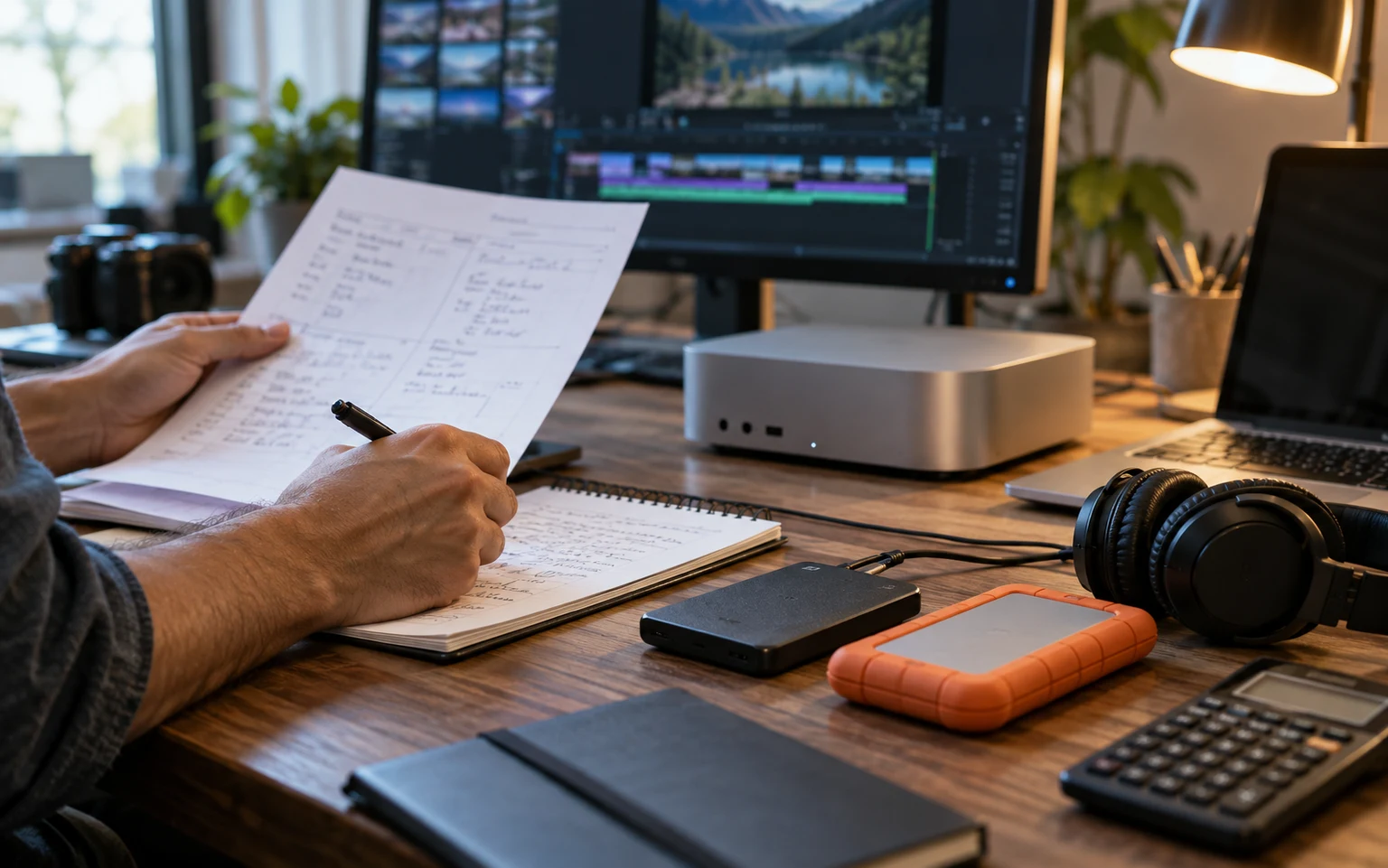
A free editor and a free AI workflow are not the same thing. You can pay nothing for the application and still receive a bill from the model you connect. You can also pay for an application and have AI features that stop when an allowance runs out.
This becomes confusing when everything is described as “AI video editing.” An assistant planning a cut, a service transcribing an interview and a model generating a new video shot do different jobs. Their costs do not necessarily follow the same unit. Before comparing tools, separate those jobs on paper.
Start with three kinds of AI work
The first is reasoning: reading your brief, making a plan and deciding which editing actions to take. The second is analysis: transcription, inspecting frames or understanding music. The third is generation: creating images, video, voices or sound effects. A project may use one, two or all three.
The number beside a subscription does not tell you how much of each job it covers. Runway’s pricing page lists generation credits and translates allowances into example outputs. [1] Descript separately describes media hours and AI credits. [2] Those units cannot be treated as interchangeable minutes of finished video.
Read what happens to unused allowances, how additional usage is bought and which models each plan includes. You do not need to predict every future price. You do need to know whether the particular job you are about to run consumes an allowance you have almost exhausted.
A finished shot includes its rejected versions
Consider a deliberately simple example. You need five usable generated shots. You make three candidates for each shot and keep one. Your cost calculation needs to include fifteen generations, not five. If a client requests a different angle, the additional attempts belong in the same project budget.
This is an illustrative workflow, not a measured success rate for any model. Some shots work on the first attempt; some do not work at all. The useful lesson is to track attempts and accepted outputs separately. Counting only the shots you keep hides the cost of reaching them.
There are ways to make that process less wasteful. Decide the shot’s purpose before generating it. Test a rough visual direction before asking for the final duration. Use existing footage when it already proves the point. A convincing product close-up you recorded yourself may be better than several expensive attempts to invent one.
Bring your own provider gives you a choice, not a blank cheque
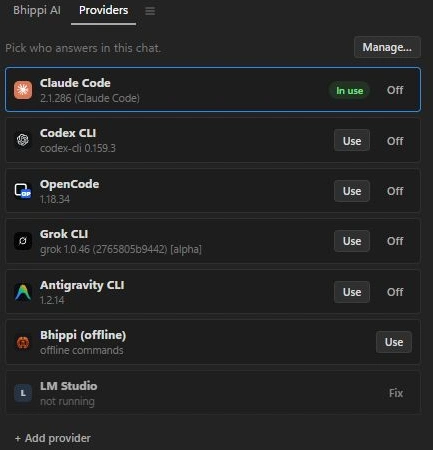
Bhippi lets you connect your AI providers rather than forcing every job through one bundled model. Its supported routes include coding-agent sign-ins, API connections and local model servers. The editor license and the provider account are separate.
That is useful if you already have a provider you prefer or want to compare models on your own footage. It does not mean a personal subscription includes unlimited access through every integration. Check the provider’s terms, account limits and supported connection method. An API key and a logged-in subscription are not automatically the same billing arrangement.
Choose a model for the task in front of you. A complex film plan may benefit from stronger reasoning. A small title correction should not require a fresh long production plan. Keep revision requests narrow so the provider is spending its effort on the part that actually needs changing.
Local models move the cost onto your computer
LM Studio documents local operation with downloaded models. [3] Ollama also supports local workflows, alongside cloud options. [4] If privacy or recurring usage bills matter to you, these routes are worth understanding. Check the actual model and endpoint; the word “local” in a product name does not tell you where every request goes.
Local inference still needs resources. Models take disk space. Larger ones may need more memory or GPU capacity. Generating video is a different workload from asking a small language model to edit a title. Time spent downloading, configuring and waiting is part of the cost even when there is no per-request invoice.
Start with a short real task before buying hardware. Ask the model to plan a small edit and inspect the quality of its decisions. A machine that can load a model has not necessarily proved that the model can handle your particular workflow well.
Keep a simple project ledger
You do not need a complicated finance system. For each test project, record which provider and model you used, the reported usage if available, external charges, generation attempts and time spent correcting the result. Leave unavailable usage fields blank instead of guessing.
- Editor license: what you pay to use the application.
- Assistant usage: your connected provider’s subscription, API bill or account allowance.
- Media generation: images, video, speech or sound services used on the project.
- Local resources: setup time, downloads, hardware and processing time.
- Review: the time needed to make the result deliverable.
Repeat the same small brief when comparing providers. Otherwise you may credit a model for being cheaper when it simply did less work. Compare the exported result and the correction pass, not just a confident chat response.

What free means in Bhippi’s launch offer
Bhippi is giving free tester keys now. Claim your key and download during early access, and keep Bhippi free for life. That covers Bhippi under the current offer. It does not pay the bills of the AI providers you choose to connect.
Local speech and generation workflows are available when the required models and dependencies are installed. They can be a useful route for repeated work on a capable machine. Cloud models can be useful when the task benefits from them. Neither choice needs to become a permanent commitment for every edit.
The right budget question is “What did it cost to finish this video and one revision?” Once you can answer that, choosing an editor and an AI connection becomes a practical decision instead of a contest between advertised monthly prices.
Separate exploration from approved production
Put a small boundary around experiments. Decide which ideas are worth exploring before you generate several versions of everything. If you are testing a look, use a short representative shot. If you are testing a voice, use a few sentences. Once the direction is approved, move into the full production rather than continuing to create alternatives without a reason.
Record rejected outputs as part of the work, even when their cost is mostly waiting time. They tell you whether a prompt, provider or local setup is a good fit for the task. An apparently inexpensive generation can become a poor choice if it takes repeated attempts to produce something usable.
Keep the final selected files in the project. Do not rely on a chat history or a temporary download link as your only copy of approved material. A future spelling or timing change should not require recreating every asset. That continuity is part of the project's cost as well as its reliability.
FOLLOW THE EVIDENCE
Sources & notes
Checked October 1, 2026. Community posts describe individual experiences, not a representative survey. Vendor policies and pricing can change. Workflow examples are illustrative; these articles do not present a hands-on comparative benchmark. Bhippi publishes this blog and makes the editor discussed here.
- Runway: pricing and generation credits Official pricing
Lists plan credits and example generation allowances; rates and models can change.
- Descript: pricing, media hours and AI credits Official pricing
Distinguishes media hours from AI-feature credits and lists plan allowances.
- LM Studio: offline operation Official documentation
Downloaded models can run locally; downloading models and updates needs connectivity.
- Ollama Official product information
Offers local model workflows as well as cloud options. Confirm which endpoint you use.